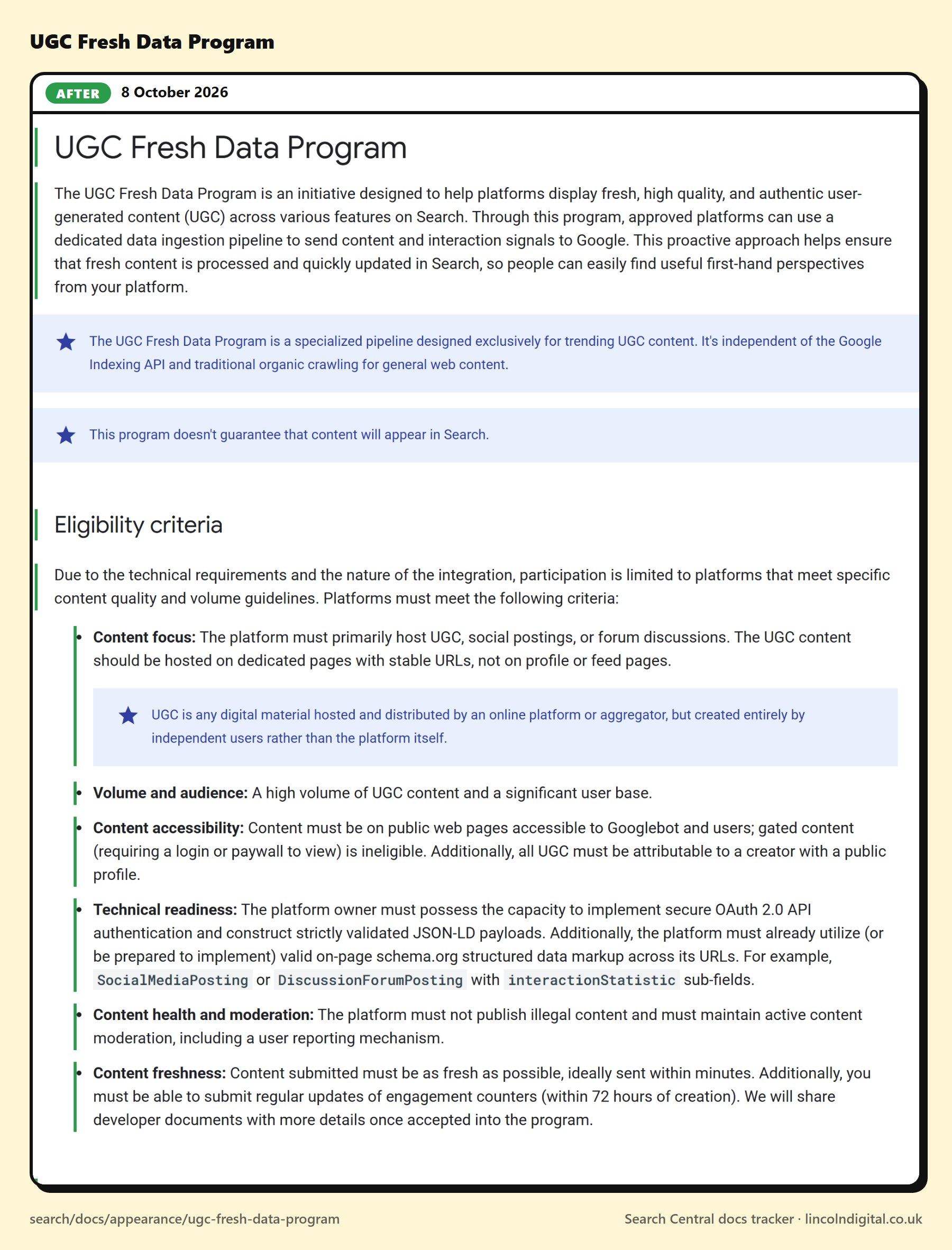
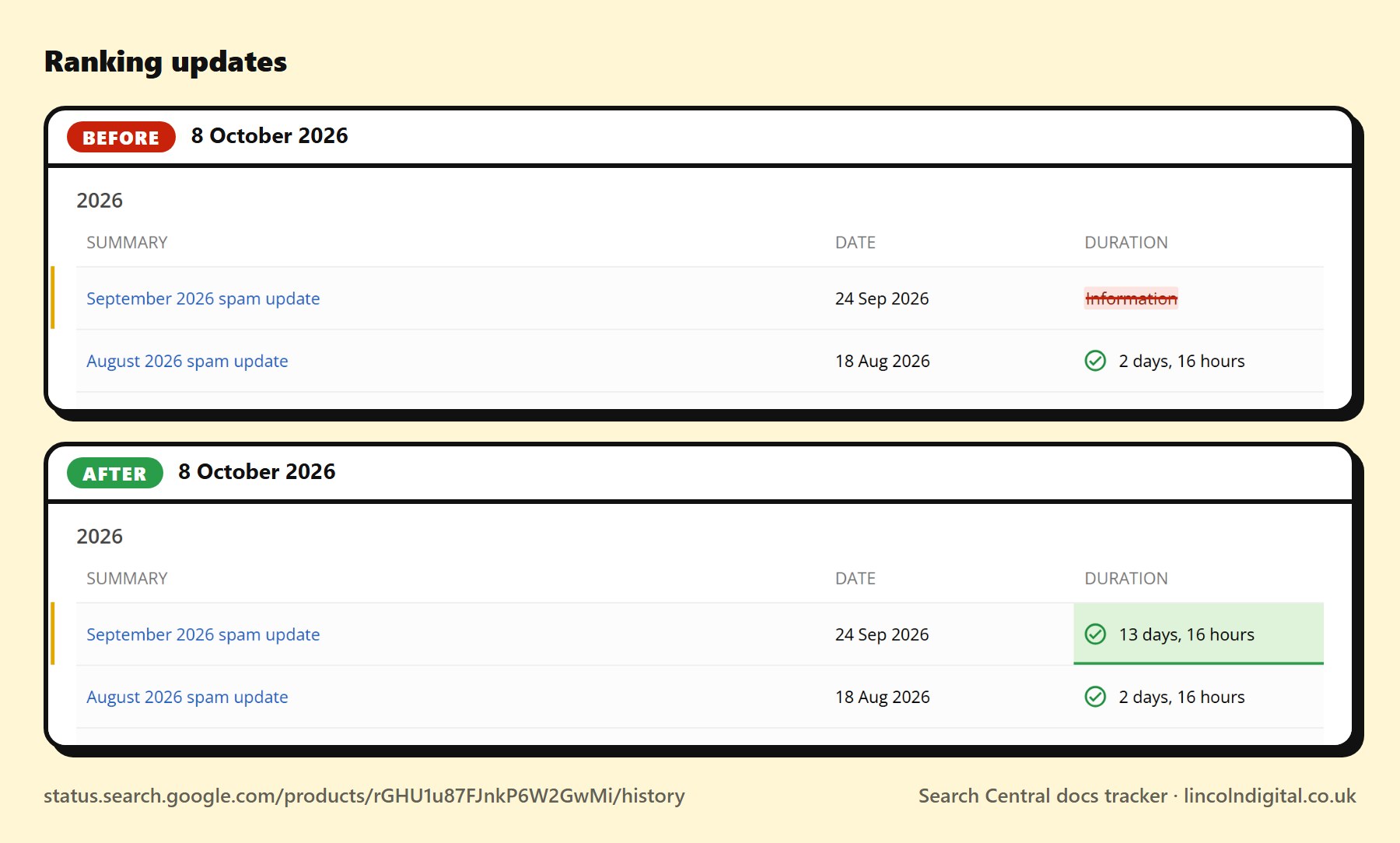
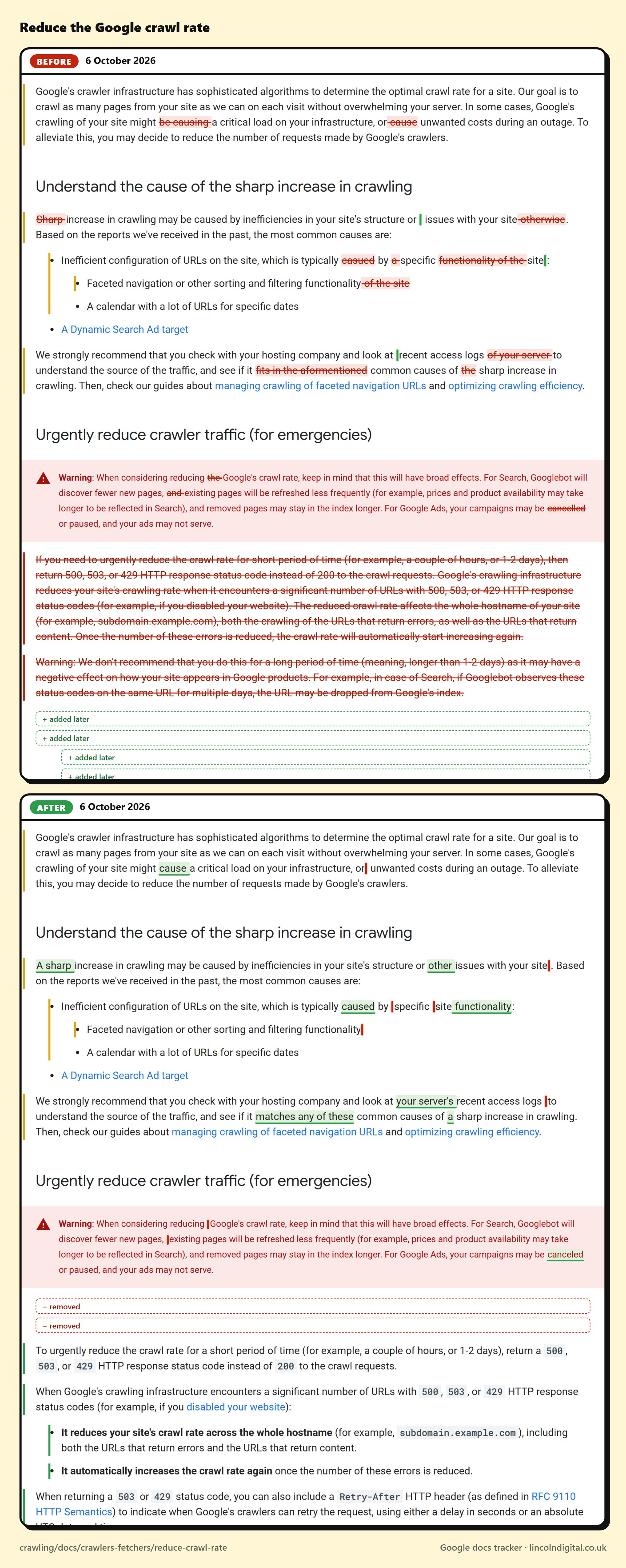
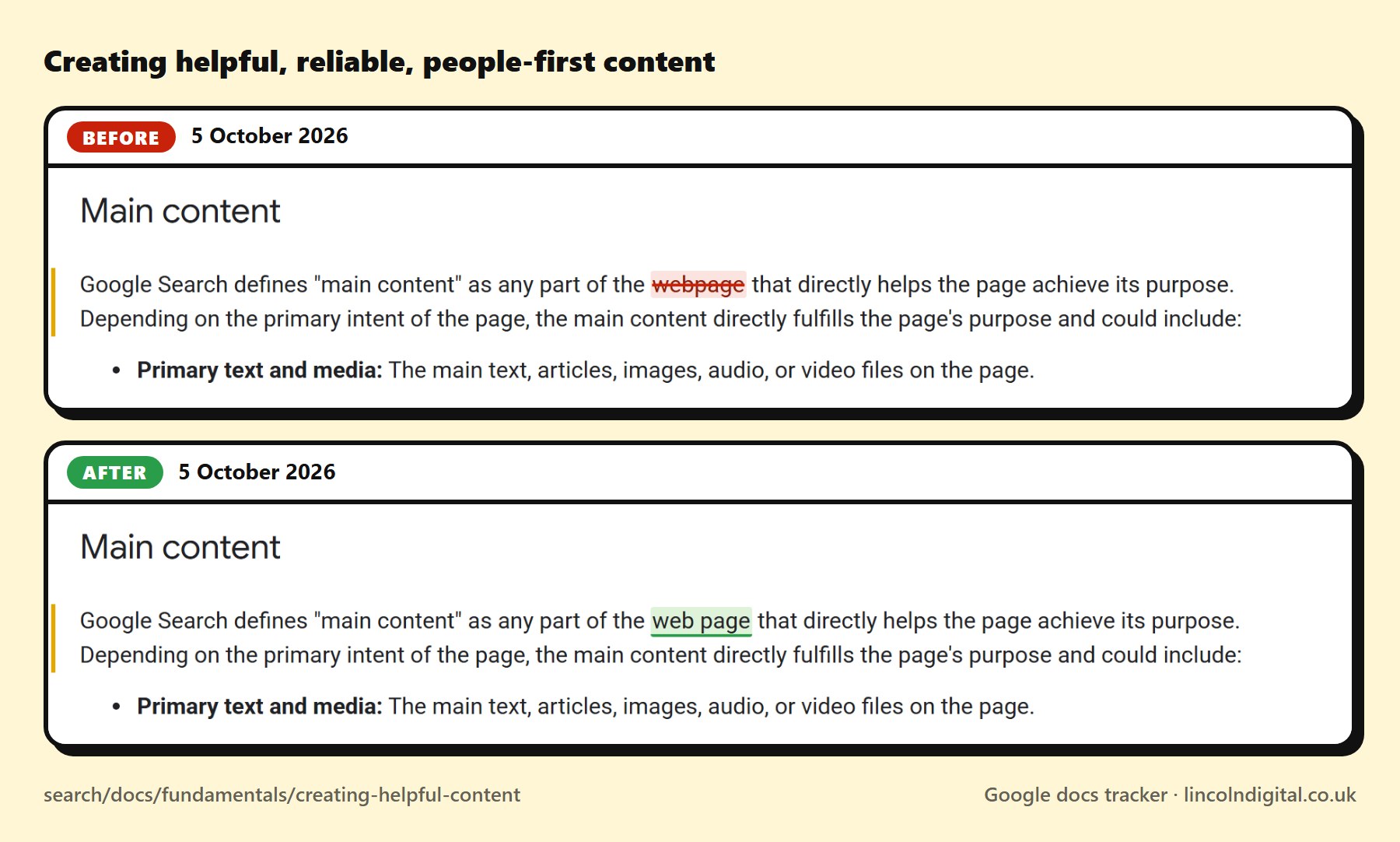
Doesn't Google already publish its documentation changes?
+
It lists the notable ones on its "Latest documentation updates" page, which we watch too. Smaller edits, like a reworded sentence in the spam policies or a new property for a structured data type, often don't make that list. This tracker catches every change to the words, listed or not.
How quickly do changes show up?
+
Every page is read every two hours, so a change appears within about two hours of it being published. Each change shows when we spotted it and when we last saw the page as it was, so you know the window it happened in.
Which pages are watched?
+
All of Google's Search Central documentation: Search Essentials and the spam policies, SEO fundamentals, crawling and indexing, Google's crawlers and robots.txt, appearance in Search, every structured data type, monitoring and debugging, and the specialty guides. New pages are picked up as soon as Google links to them. Plus the Search Status Dashboard (ranking updates, and crawling, indexing and serving incidents), Google's Search Quality Rater Guidelines, the Google Business Profile guidelines, Search Console's data anomalies page, Google's help pages on AI Overviews and AI Mode, and Bing's Webmaster Guidelines.
Does it cover AI search?
+
Yes: pick AI search under Topics to see just those pages. That's Google's guide to its AI features and your website, its guidance on using generative AI content, its help pages on how AI Overviews and AI Mode work, and Bing's Webmaster Guidelines, which are now written around how Bing and Copilot find web pages and ground their answers in them.
Why watch the Search Quality Rater Guidelines?
+
They're the handbook Google gives the people who rate its search results, and they spell out what Google means by helpful, trustworthy content and E-E-A-T. Google revises the PDF from time to time without much notice. We check it every two hours and show what changed, section by section.
What counts as a change?
+
A change to the words: text, headings, lists, tables or code examples. Changes to menus, layout or design are ignored, and so is the "Last updated" date on its own, as it sometimes moves without the text changing. Pages that are removed or start redirecting are flagged too.
Can I get alerts?
+
Yes, three ways. Turn on browser notifications at the top of this page: every change to what the guidance says, down to a reworded sentence, or every edit at all if you tick "Include cosmetic edits". Follow @hodsonated on X, where the significant changes are posted with their before and after pictures. Or add the RSS feed to any feed reader, Slack or Microsoft Teams. Each one links to exactly what changed.
How are the before and after pictures made?
+
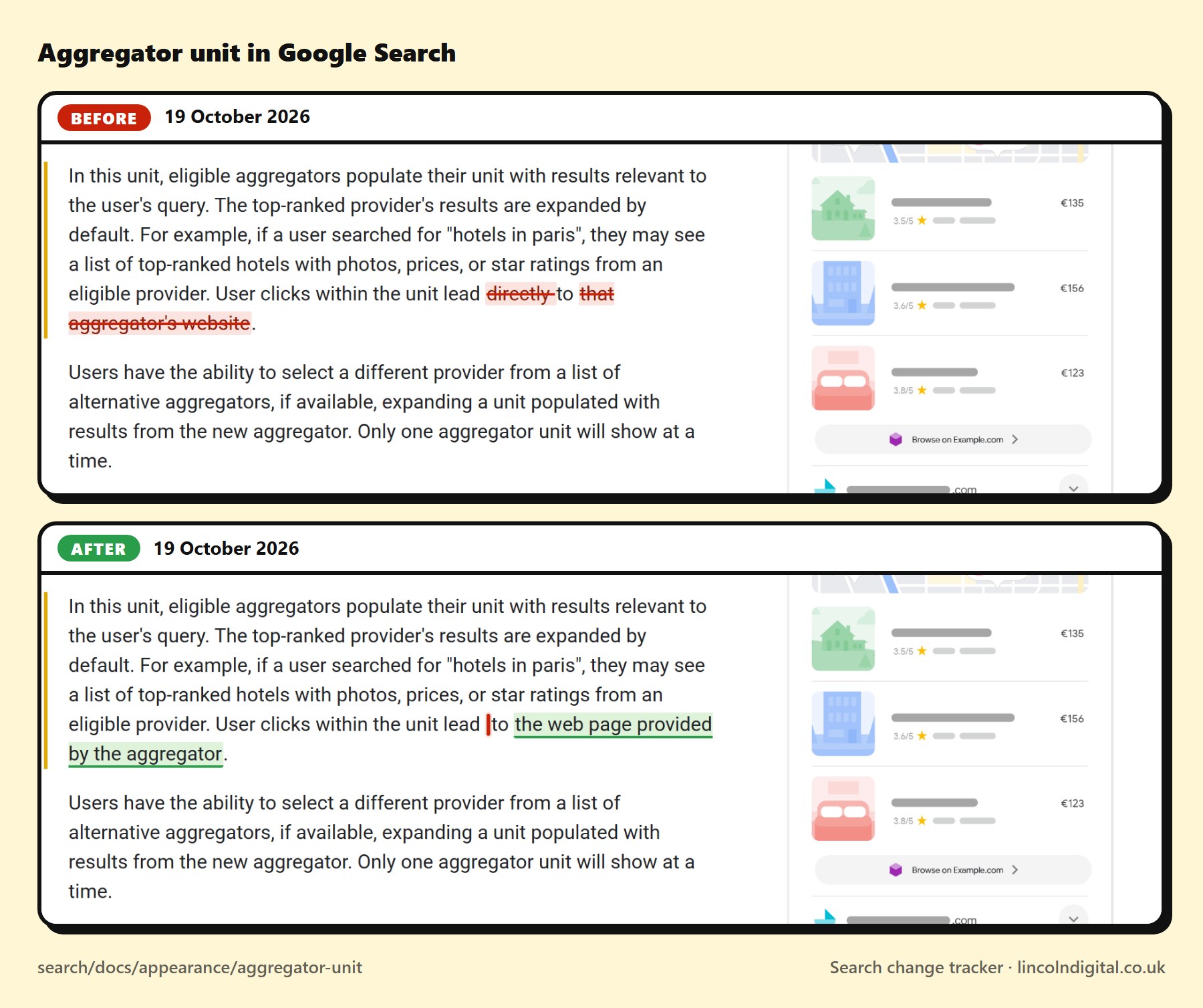
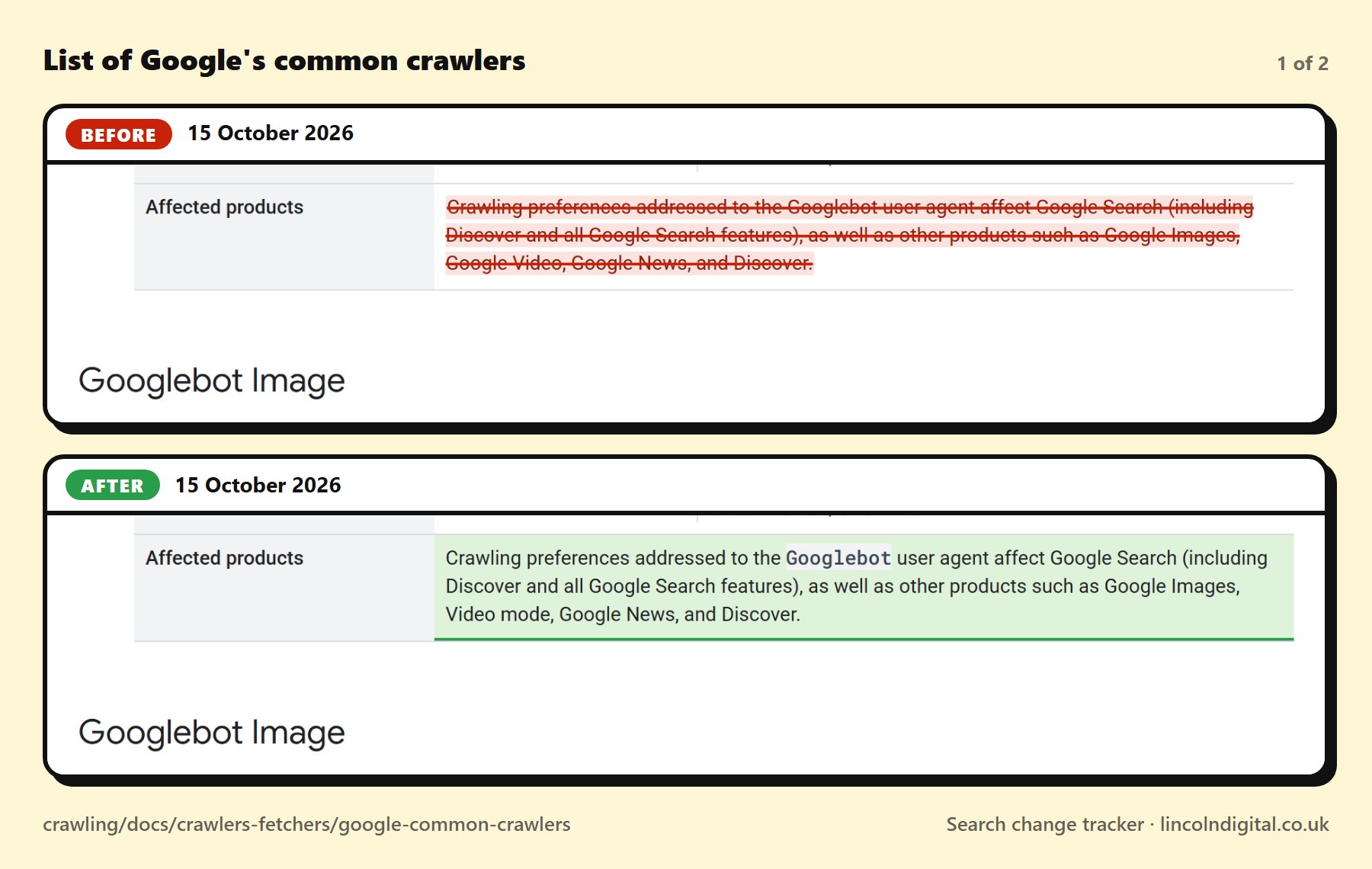
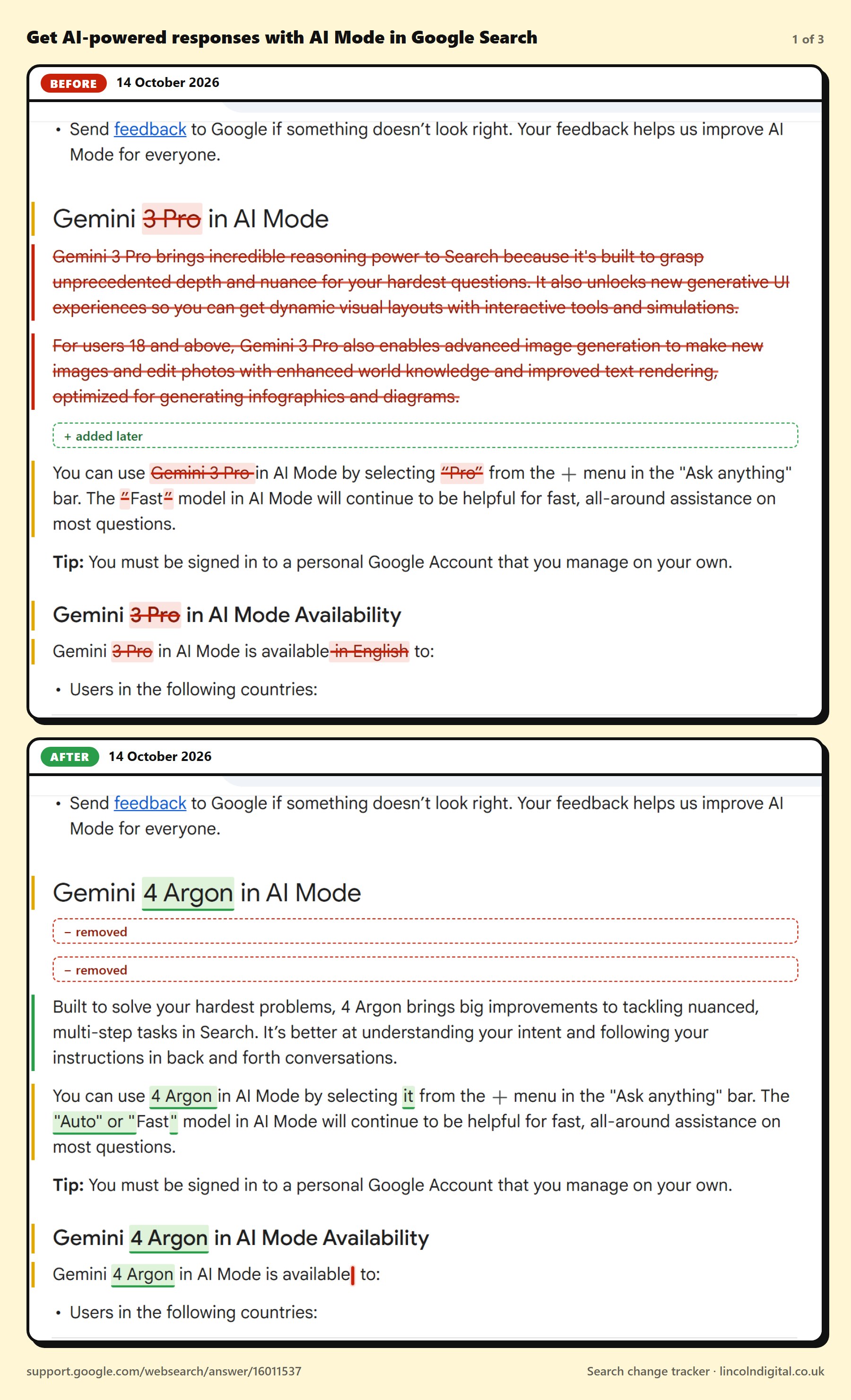
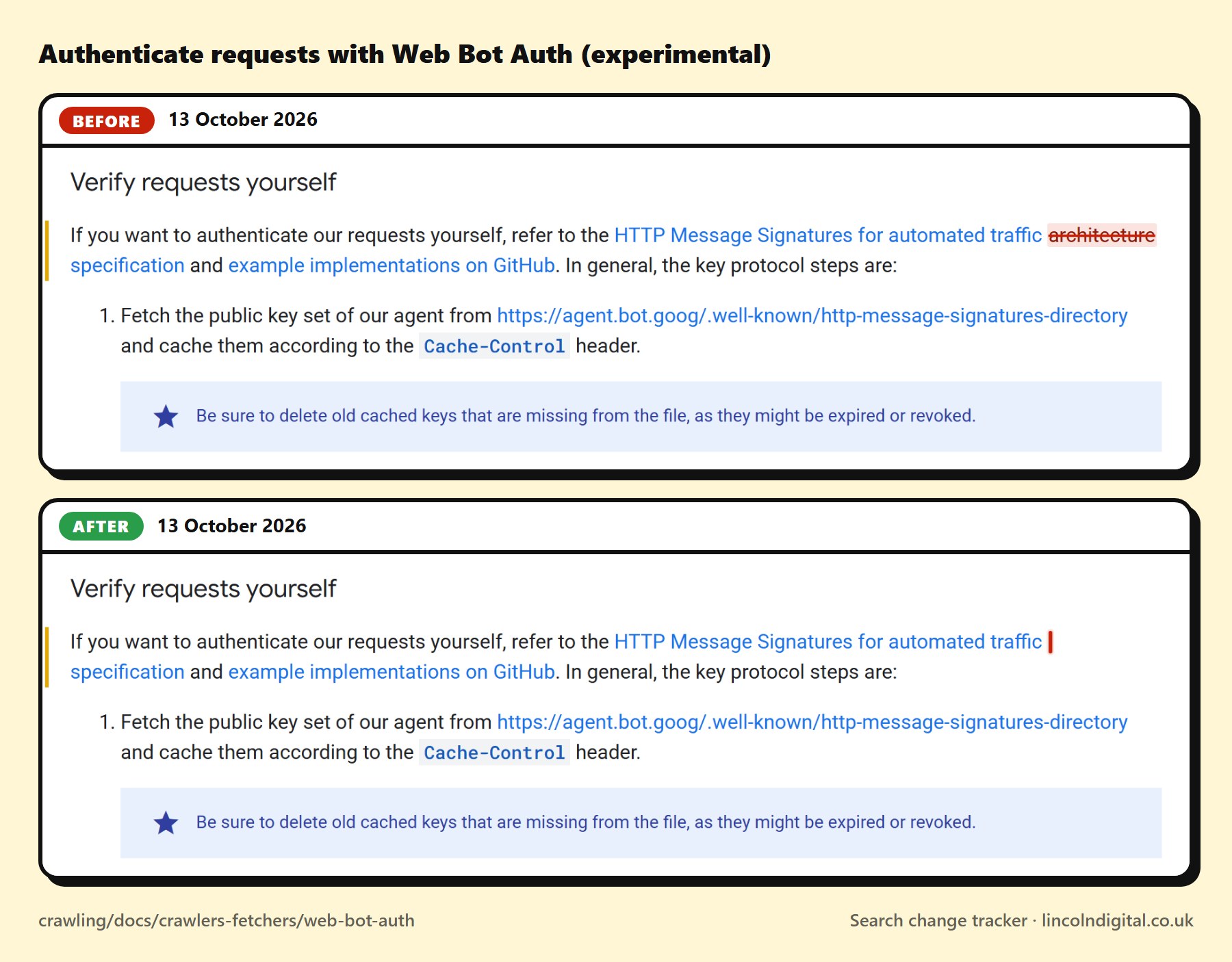
Straight after a change is spotted, we open the live page and mark the new words in green. For "before", we put the earlier wording back into the same page, where it was, and mark the removed words in red. Each place that changed is photographed on both and shown before above after, so you're comparing the same few lines. The Search Quality Rater Guidelines are a PDF, so their changes are shown as text only.
Can I quote the text shown here?
+
The text of Search Central's pages belongs to Google, which publishes it under the Creative Commons Attribution 4.0 licence. That's what lets us show it, credited to Google. If you quote it, credit Google and link to the page. For the other sources (the Help Centre, the rater guidelines and Bing's guidelines), we show only the words that changed, with a link to the original.
Who made this, and why is it free?
+
Lincoln Digital, a web design and SEO agency in Lincoln. We read Google's documentation closely for our own SEO work, built this so we'd never miss a change, and saw no reason to keep it to ourselves. No sign-up, no adverts.